Editor Reviews
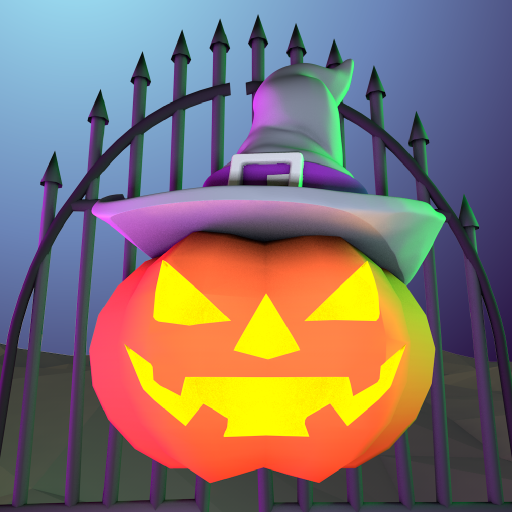
Halloween Home is a casual decoration simulation game developed by Funbly that lets players transform a house into the ultimate Halloween haunt. The gameplay is straightforward: choose decorations, place them around the home, and watch the spooky scene come together. Players can string cobwebs, hang bats, carve jack-o-lanterns with custom expressions, and fill candy bowls for trick-or-treaters. The art style is cheerful and Halloween-appropriate without being too scary, making it accessible for children and casual players alike. There is no time pressure or difficulty curve — the appeal is purely creative. The app is easy to operate and available for all ages. It weighs around 135 MB and is free to download on Google Play. A lighthearted seasonal experience for Halloween enthusiasts. 🎃🦇
How to play?
1. **Open the App** — Launch Halloween Home and tap the Start button to enter the decoratable house environment.
2. **Browse Decoration Categories** — Scroll through the decoration panel at the bottom to find categories like cobwebs, bats, pumpkins, and candy bowls.
3. **Place Decorations** — Tap an item to select it, then tap a location on the house wall, floor, or surface to place it there.
4. **Carve a Pumpkin** — Select a jack-o-lantern from the pumpkin section, then choose a face pattern to carve a custom Halloween expression.
5. **Add Cobwebs & Bats** — Drag cobweb decorations to corners and doorways; tap bat icons to scatter animated bats across the scene.
6. **Fill the Candy Bowl** — Tap the candy bowl decoration and choose candy types to fill it up, completing the trick-or-treat setup.
7. **Save Your Design** — Tap the camera or save icon to capture your decorated Halloween home and share it with friends.
 Asphalt 8 Car Racing Game
 Minion Rush: Running Game
 Fruit Ninja®
 Lords Mobile: Kingdom Wars
 Race Master 3D: Car Racing
 Hill Climb Racing 2
 World of Peppa Pig: Kids Games
 Blockman Go
 8 Ball Pool
 Coin Master
 Pokémon GO
 Getting Over It


























