Editor Reviews
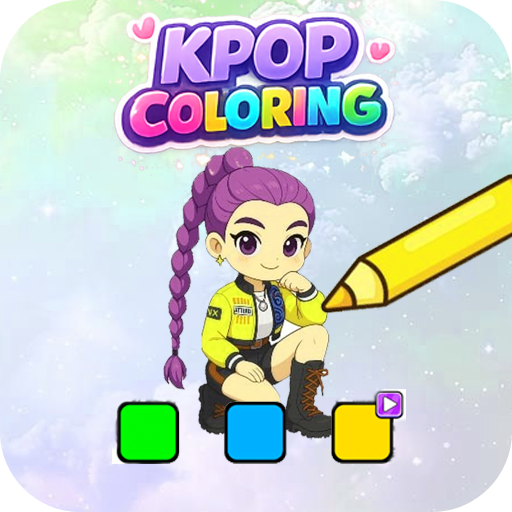
Kpop Demon Hunter Coloring Book is a casual coloring game themed around the K-pop Demon Hunters universe, featuring idol characters with dark fantasy designs. Players fill in detailed line-art illustrations of demon hunter idols using a digital paint tool, choosing from a palette of colors and magical brush effects. Completing each coloring page progresses you through a loose narrative about demon-hunting idols restoring harmony. The game emphasizes relaxation and creativity with no time limits or pressure, and artworks can be saved and shared when finished. Special magic color effects unlock as you progress, adding a sense of reward. It is free to play with no hidden paywalls and suits fans of both coloring apps and K-pop aesthetics. 🖌️🌸
How to play?
1. **Choose a Coloring Page** — From the main gallery, browse the available demon hunter idol illustrations and tap one to open it.
2. **Select a Color** — Tap the color palette at the bottom of the screen to choose your first fill color from the available shades.
3. **Fill Areas** — Tap enclosed sections of the line-art to flood-fill them with your selected color; zoom in for precise work on small details.
4. **Switch Colors** — Return to the palette to change colors as you move to different parts of the illustration.
5. **Use Magic Brushes** — Unlock and apply special brush effects such as sparkle, glow, or gradient fills to enhance certain areas.
6. **Zoom and Refine** — Pinch to zoom into finer detail areas and carefully color small elements like accessories, hair highlights, and clothing patterns.
7. **Save and Share** — When satisfied with the finished artwork, tap save to export it to your gallery, then share it on social media or with friends.
 Asphalt 8 Car Racing Game
 Minion Rush: Running Game
 Fruit Ninja®
 Lords Mobile: Kingdom Wars
 Race Master 3D: Car Racing
 Hill Climb Racing 2
 World of Peppa Pig: Kids Games
 Blockman Go
 8 Ball Pool
 Coin Master
 Pokémon GO
 Getting Over It


























